


Have you ever thought your phone could be your best hiking buddy in remote spots? With Backcountry Navigator, your Android turns into a rugged GPS guide when there's no cell service. You get offline topo maps (they show hills and valleys), easy waypoint marking, and quick map loads even when the weather is rough. This app gives you clear, dependable directions so you can enjoy every twist of the trail while keeping safe and focused on the adventure ahead.
Key Features of Backcountry Navigator for Off-Grid Navigation
Backcountry Navigator is made for adventurers who love exploring remote, wild areas. It turns your Android phone or tablet into a tough GPS tool when you lose cell signal. Hikers count on the BCN XE series because it works even when the weather is rough and the trails twist unexpectedly. Its build is meant for off-grid trips where every detail matters.
This isn’t just a map app. It’s built for backcountry trips with offline topo maps (maps showing hills and valleys) at its core. It’s the top-selling outdoor navigation tool on Android, offering precise guidance in far-off areas. The app covers a wide range of needs with features that make getting around difficult terrain easier.
- Offline topo maps that give you clear, detailed views
- Waypoint marking to help you save key spots along the route
- Track recording to capture your path for later review
- A rugged design that holds up in changing weather
- Fast map loading even in remote, no-cell areas
- User-friendly controls made just for hikers
When you head into quiet, untouched areas, you need gear you can trust. Backcountry Navigator’s offline maps keep you informed even without a signal. With options to mark waypoints and record your track, you can keep a close eye on your progress. Its sturdy design stands up to the elements, so you can focus on enjoying your adventure. This complete off-grid navigation system helps let you concentrate on the experience while keeping you safe and on track.
Backcountry Navigator Pro vs. XE: Evolution and Updates
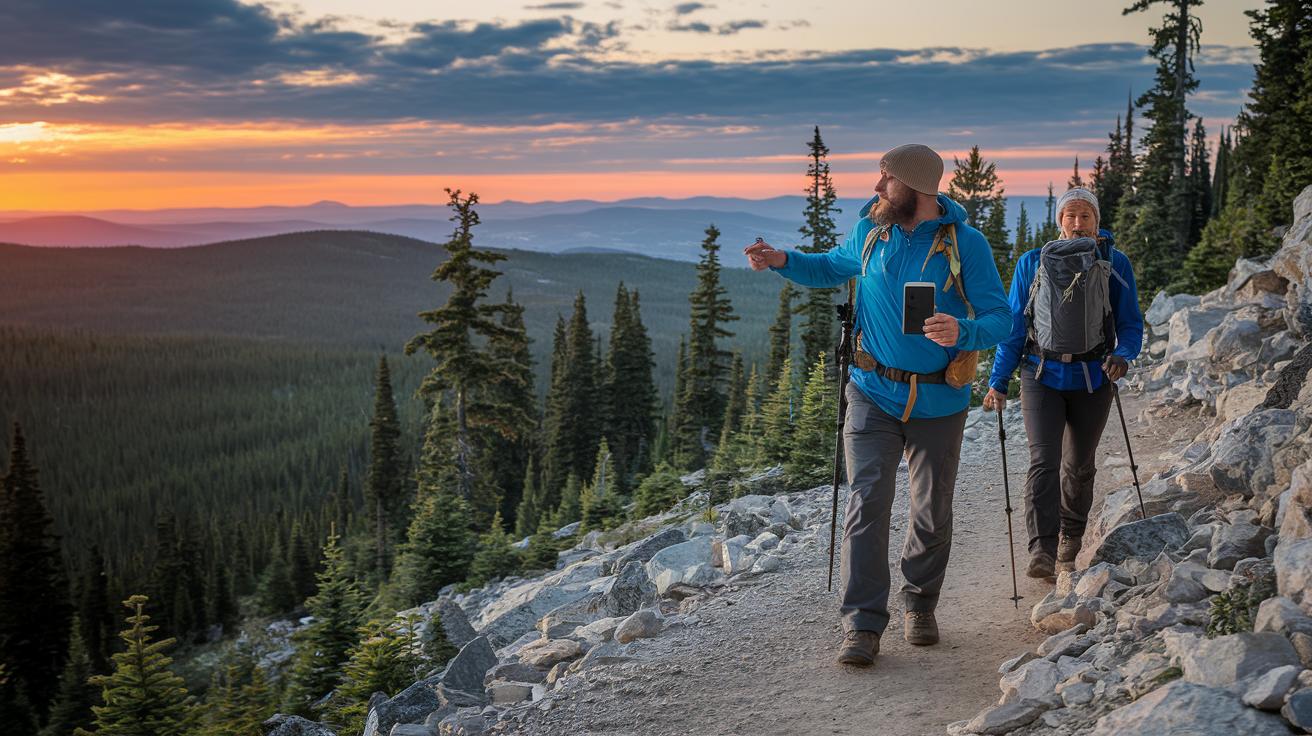
Backcountry Navigator Pro earned a good reputation for off-grid navigation in tough terrain. After August 2015, updates slowed down, and it was clear a big change was needed. The Kickstarter-funded XE version refreshed the app and brought iOS support for the first time.
| Date | Version | Notes |
|---|---|---|
| August 2015 | Pro | Development slowed significantly |
| June 29, 2018 | XE Beta | Kickstarter-funded update announced |
| May 2018 | XE | First-time iOS support introduced |
XE has addressed early issues head-on. The new update offers a smoother user experience and better system compatibility. Its refreshed design and improved features work to eliminate lag and promise reliable off-grid navigation for both Android and iOS users.
Backcountry Navigator Topo Maps and GPS Integration
Backcountry Navigator Pro is your trusty buddy for offline topo maps on remote trips. It shows you hills, valleys, and other terrain details even when you lose cell signal. Downloading maps ahead of time means you always have a clear picture of where you're going.
- Open Backcountry Navigator and head to the map download section.
- Find the area with the topo map you need.
- Tap to start the download and save the map on your device.
- Wait until the download is complete.
- Check the map details against your planned route.
These maps include:
- USGS topo maps
- OpenStreetMap data
- NOAA charts for coastal and inland areas
- Inland River Charts for waterway navigation
- Geology Maps showing rock formations
- National Park visitor maps
It’s a good idea to update your maps before you set out. Confirm you have enough storage and delete any old maps to keep your device running smoothly. A quick preview of your new download can save you from surprises on the trail and help you tackle even the toughest backcountry spots safely.
Backcountry Navigator Device Compatibility and Platform Support
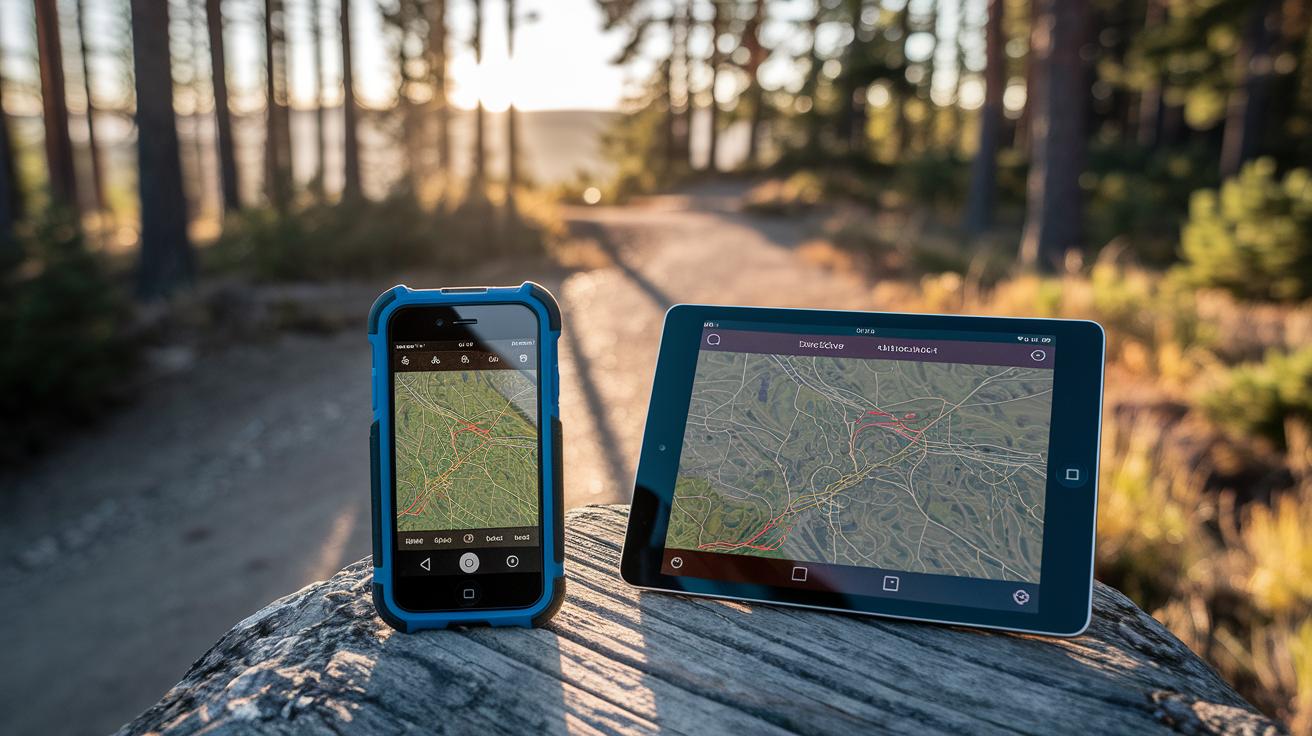
Backcountry Navigator began its journey on Android as Backcountry Navigator Pro, built tough for those off the grid. It was made for adventurers needing reliable maps in rugged conditions. With the XE expansion, we opened the door to more devices, and by mid-2018, we launched a version for iOS. That update marked our move to support multiple platforms. Now you can switch devices easily without losing any crucial mapping features.
- Android 5.0+
- iOS 11+
- Recommended hardware specs for smooth performance
We also offer device pairing so you can seamlessly switch between your smartphone and tablet. Looking ahead, we plan to add more cross-device syncing and improve pairing with external accessories. This way, your go-to navigation tool will always keep pace with the latest tech needs.
Backcountry Navigator Performance, Accuracy, and User Experience
Backcountry Navigator works well in places without cell service. Many hikers appreciate that its offline maps are dependable. The app shows clear route details, and its controls are easy to use. But there are a few bumps along the way. Sometimes the map moves slowly when you pan or zoom, and a few white blocks might flash when switching views. New users might also find too many help screens popping up, which can interrupt your flow.
| Issue | Workaround |
|---|---|
| Panning lag and zoom delay | Take your time or restart the app |
| White blocks during map transitions | Clear your cache and let the map reload |
| Overwhelming help screens | Change the settings to reduce tips |
- The time it takes for satellites to lock can change in thick cover
- The quality of your device’s antenna affects signal accuracy
- Quick map moves might show a slight delay
- Weather and rough terrain can sometimes interfere with accuracy
The upcoming XE update promises fixes for many of these issues. With better coding and improved system checks, you should see fewer delays and less intrusive white flashes. The update also aims to give a cleaner layout with fewer pop-up tips, making it easier for beginners.
Simple tips can help your experience. Make sure your device has a strong satellite lock before you head out, update your maps regularly, and check your settings. These small steps, along with improvements in both hardware and software, should let you focus more on the trail and less on the app.
Maximizing Off-Grid Backcountry Navigator Use: Tips and Troubleshooting
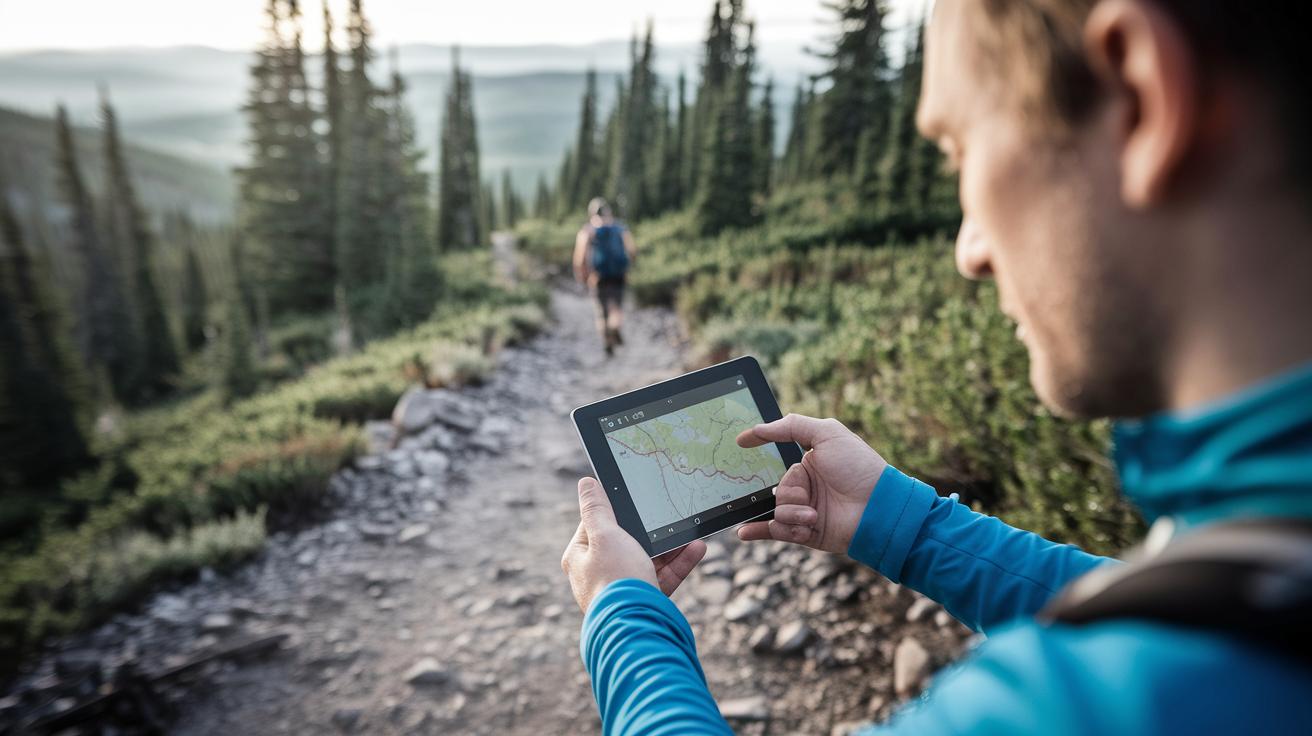
Getting ready is the best safety step before going off-grid. Take a few minutes to adjust your Backcountry Navigator settings so you can enjoy a smooth ride on the trail.
• Turn on battery-saving mode to keep power usage low when you can’t charge.
• Clear old maps from your cache so the app stays fast and responsive.
• Activate the emergency locator (a handy hiking safety tool) to call for help if needed.
• Preload backup routes so you have clear alternatives on your device.
• Sync your data to make sure your maps and waypoints are current.
Before your no-cell adventure, double-check these settings. The app is built for remote areas, but its performance depends on your setup. A full battery and updated maps help you avoid power issues and slow responses. With the built-in locator and backup routes, you add a safety net to your journey. These simple steps ensure your Backcountry Navigator supports you for a safe and enjoyable trip.
Backcountry Navigator vs. Gaia GPS: Comparative Analysis
Backcountry Navigator and Gaia GPS are top picks for hikers who need reliable offline maps when venturing off-grid. Both apps are trusted by outdoor lovers, but each has its own feel. Backcountry Navigator offers rugged maps that work well without internet. You might notice some lag or quick flashes when panning. Gaia GPS gives you a smooth map experience with fast syncing via GaiaCloud and a wide mix of map sources.
| Feature | Backcountry Navigator | Gaia GPS |
|---|---|---|
| Offline Maps | Solid, basic offline maps | Smooth downloads and responsive |
| Performance | May show lag and quick flashes when panning | Fluid display with no distracting effects |
| Map Sources | Standard topo maps | Wide range, including niche options |
| Community Features | Simplistic waypoint and track tools | Interactive routes and shared map data |
When picking an app, think about what matters most for your trip. If you prefer a no-nonsense tool that covers the basics, Backcountry Navigator is a dependable friend on the trail. But if a smooth user experience, a rich mix of maps, and active community features help you plan better, Gaia GPS might be the way to go for your modern off-grid adventure.
Final Words
In the action, we explored how an effective backcountry navigator powers off-grid trips with offline topo maps, accurate positioning, and rugged design. We checked out the evolution from BCN Pro to XE and compared its strengths with leading apps like Gaia GPS. We highlighted key setup tips, troubleshooting advice, and device compatibility to help you stay on track. These clear insights aim to boost your confidence and keep your trip smooth and safe. Keep moving forward and enjoy every step on your mountain trail!
FAQ
Q: What are the options to download Backcountry Navigator?
A: The download options for Backcountry Navigator include both free and paid versions. Android users can find it on official app stores, with PRO and XE editions available through authorized channels.
Q: Is Backcountry Navigator free?
A: The availability of a free version depends on the edition. Some features are offered at no cost, while the PRO version requires a purchase. Review the app listing for exact pricing and trial options.
Q: What is Backcountry Navigator Pro APK and XE?
A: Backcountry Navigator Pro is the premium Android edition with advanced offline maps and features. XE is an updated release that includes fixes and expanded functionality, with early support for iOS devices.
Q: Is a backcountry navigator any good?
A: Backcountry Navigator is well-regarded by hikers for its rugged design and reliable offline map capabilities, making it a trusted choice for navigating remote, off-grid areas.
Q: What is the best navigation device for hiking?
A: The best navigation device for hiking combines offline mapping, GPS accuracy, and rugged build quality. Many hikers use smartphone apps with preloaded maps or specialized devices for extended off-grid use.
Q: What is the best free navigation app?
A: The best free navigation app depends on your needs. Options like Organic Maps and Gaia GPS offer offline mapping and essential features suitable for off-grid hiking without any cost.
Q: How does Backcountry Navigator compare to other apps like Google Earth, Komoot, Oruxmaps, Organic Maps, AllTrails, and Gaia GPS?
A: Backcountry Navigator offers detailed, rugged offline topo maps for remote use. While competitors like Gaia GPS feature smoother interfaces and community options, BCN remains a reliable tool for off-grid navigation.