


Have you thought about having a digital companion plan your hikes? This AI planner learns from your past hikes and your current fitness. It brings fresh terrain info and current weather updates so you know exactly what to expect. With personalized routes, permit alerts, and live trail updates, planning becomes simple and safe. Think of it as your friendly guide that takes the guesswork out of choosing your next outdoor path.
AI Trail Planner Capabilities Overview

The AI trail planner is a smart tool that helps you create hiking routes based on your past hikes and current skills. Think of it as a digital hiking buddy that guides you safely and quickly through planning your next adventure. It takes the guesswork out of finding the right trail by offering suggestions that match your abilities and past experiences.
It uses fresh terrain data and up-to-date weather forecasts so you know what lies ahead. The tool checks permit needs, looks over footpath conditions (like loose gravel or mud), and tells you about hills and distances. This mix of clear data means you get a real sense of what to expect before you even leave home. Signing up is free, and you can log in using popular hiking apps.
| Feature | Description |
|---|---|
| Personalized routes | Trail suggestions tailored to your past adventures |
| Real-time updates | Weather and terrain info sent straight to your device |
| Permit alerts | Notices for local rules and necessary permits |
| Elevation & distance | Custom details to help plan your energy and time |
| Underfoot reports | Current updates on trail surface conditions |
This planner is built with ease-of-use in mind and works on your phone, tablet, or computer. When you set up a hike, your route syncs across all devices. Its clear design and interactive maps let you adjust waypoints and see detailed info with just a few taps. It’s a handy, confidence-boosting companion for both new hikers and seasoned explorers.
AI Trail Planner: How It Works
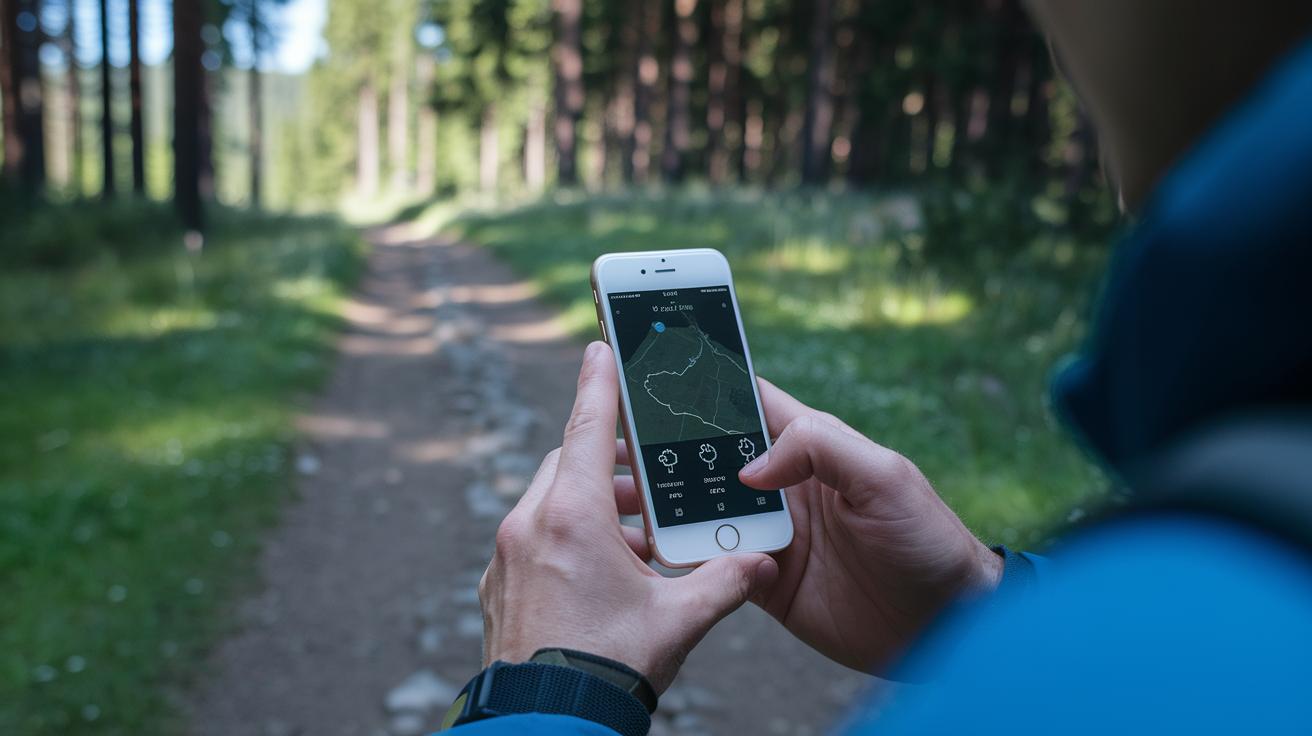
Scout is a chatbot powered by ChatGPT that uses advice from real outdoor guides. It shares tips from experienced authors. TrailGPT is built right into the HiiKER app. It learns from your previous hikes to suggest trails that fit your style. Both tools use smart planning to check the terrain, weather, and your hiking skills so you know what to expect.
Behind the scenes, these systems work hard. They use machine learning to factor in distance, elevation, and ground type. The tech then suggests routes that suit the way you hike. As conditions change, the advice updates to keep you safe and confident on your trail.
Real-time data is key. The tools use live updates from maps, weather feeds, and local trail rules. They pull in current info on footpath conditions and local tips. This makes sure your hiking plan is based on both your history and the latest conditions, so you start your adventure well-prepared.
AI Trail Planner: Key Benefits

AI trail planners take the guesswork out of planning by creating routes that change with on-trail conditions. This means you spend less time stressing and more time enjoying nature. Many hikers share, "Using the planner cut my route planning time in half and left me worry-free on the trail!"
- Saves you time with automatic route creation
- Uses live weather and trail data to guide you
- Gives clear advice on how tough the trail is and what gear to pack
- Offers local tips on permits and any trail closures
- Lets you plan your hike on an interactive map with down-to-earth details
- Adjusts your path to keep you safe along the way
These features help you focus on the hike ahead instead of second-guessing your plan. With a route that adapts to changes, you get a custom plan that really fits your pace and style.
AI Trail Planner: Step-by-Step Usage Guide

Start by signing up for free and choosing the login method you like. Once you’re in, set your hiking level so the planner gives suggestions that match your past trips.
- Open the AI trail planner and select your hiking level.
- Pick a preset option (like "easy loop under 5 miles") or type your own query for personalized tips.
- Check out the route map that shows you distances and elevation changes clearly.
- Look at the built-in weather and trail condition updates to know what to expect.
- Adjust the waypoints with the interactive route builder until your plan fits just right.
- Save or export your route as a GPX (a map file for your phone or GPS) or KML file so you can use it offline.
If you want to tweak your plan further, change how you describe the trail conditions. For example, if you need to avoid steep climbs or rocky patches, adjust your query and review the updated route details. The planner makes it easy to compare different paths by showing changes in elevation and distance quickly. With this flexible route builder, you can fine-tune your hike to match your energy and pace. And with the offline mapping feature, you can be sure your path is saved even when there’s no phone reception.
AI Trail Planner Integration with Maps & GPS

Plan your hike with our cloud-based system that instantly updates your route on every device you use. When you change a waypoint or adjust your plan, the update shows up on your phone, smartwatch, and other devices right away. TrailGPT, built into the HiiKER app, makes sure your plan stays current no matter which device you're using.
Stay on track with our interactive GPS. It shows your live location, leaves a breadcrumb trail of your past path, and automatically recalculates your route if conditions change. This means you can concentrate on enjoying your hike while the tech takes care of the details.
You can even download maps for offline use. With geospatial AI overlays, you get complete route details, even where there's no signal. By mixing LiDAR data (laser-mapped information) with satellite elevation models, we give you a clear view of the trail surface and safe passage options. This smart setup lets you rely on your maps and GPS features throughout your outdoor adventure.
AI Trail Planner vs Traditional Trail Planning

AI planning lets you set up your hike in minutes. With just a few clicks, the tool checks your past hikes, looks at current trail and weather conditions, and maps out a route that fits your pace and skills. At Cascade Pass, hikers discovered that the AI quickly pointed out beautiful scenic stops, something that can take hours to find on paper maps. In contrast, designing a route by hand means juggling printed charts and guides with little room to change plans quickly.
AI also brings all the important data together. It shows weather updates, local permit rules, and exact trail conditions all in one view. On the Art Loeb Trail, hikers noted that AI alerts about loose rocks and muddy patches were more current than old elevation charts. Instead of tracking down multiple sources, the AI ties everything into one clear, simple plan that boosts both safety and enjoyment.
AI Trail Planner Tools and Pricing

TrailGPT comes built into the HiiKER app. Signing up is free and you can start right away. This tool lets you see custom routes, check weather, learn about terrain, get permit alerts, and read trail condition reports. You can choose a simple version for solid trail ideas or upgrade to a version with extra details. It is a great starting point if you want to plan a mountain trip with AI help.
Scout is a ChatGPT tool that uses trusted outdoor advice. It guides you whether you are planning a short day hike or a multi-day trek. Scout not only suggests routes but also gives tips on gear and meal ideas. The basic service is free. You can add a subscription to unlock premium guides and even deeper insights. It feels like having an outdoor expert walking beside you.
When you compare the two, TrailGPT shines for its built-in features and free sign-up, which works well for casual day hikers who need quick, clear trail data. Scout offers extra expert advice that may appeal to backpackers or those planning overnight trips. Both tools provide tailored route suggestions, so choose based on whether you prefer detailed in-app info or a more interactive, chatty assistant.
AI Trail Planner: Practical Tips

When you use an AI trail planner, start with clear, simple questions. For example, ask, "Is the trail surface rocky or slippery?" so you know what to expect underfoot. You can also ask if there are easier routes to skip steep parts. This way, the planner gives you a clear idea of the trail before you start your journey.
For extra safety and backup when you might lose cell signal, follow three quick steps. First, check with local ranger stations to confirm any permit rules, trail closures, or safety alerts. Second, download your GPX file (a map file your phone or GPS uses) or offline map data. Third, compare the planner’s details with printed maps or trusted local advice. These steps help ensure you have reliable, up-to-date information while out on the trail.
AI Trail Planner: Future Trends

The future of AI trail planning looks smart and practical. Soon, real-time updates will mix technology with nature. You might get alerts about nearby wildlife or unstable snow so you can change your route quickly. This system gathers live data from local sensors and drones, making sure your trail advice matches the current weather, ground, and nature.
Soon, personal virtual guides will change how you plan your hikes. These tools will pick routes that protect nature and reduce your impact. They will keep your trail data synced across devices, so you always have the right info, whether you're in a remote area or near a mountain hut. They even learn your hiking style to offer you safe, tailored trail choices for a smarter outdoor adventure.
Final Words
In the action, we explored how an ai trail planner simplifies planning with personalized route suggestions, real-time weather updates, and terrain data. We walked through setting up the tool and using its features on multiple devices.
Each step makes hut-to-hut hiking stress-free with reliable navigation and safety advice. With these practical insights, your next mountain trip promises to be smooth and memorable.